
AnySchedule - All-in-one Planner & Calendar
With AnySchedule, manage your schedules, to-dos, and habits all at once. Plan your day, organize your tasks, and build consistent habits with a simple timeline. No more switching between multiple apps.
User reactions
No votes yet. Be the first to react!
Screenshots

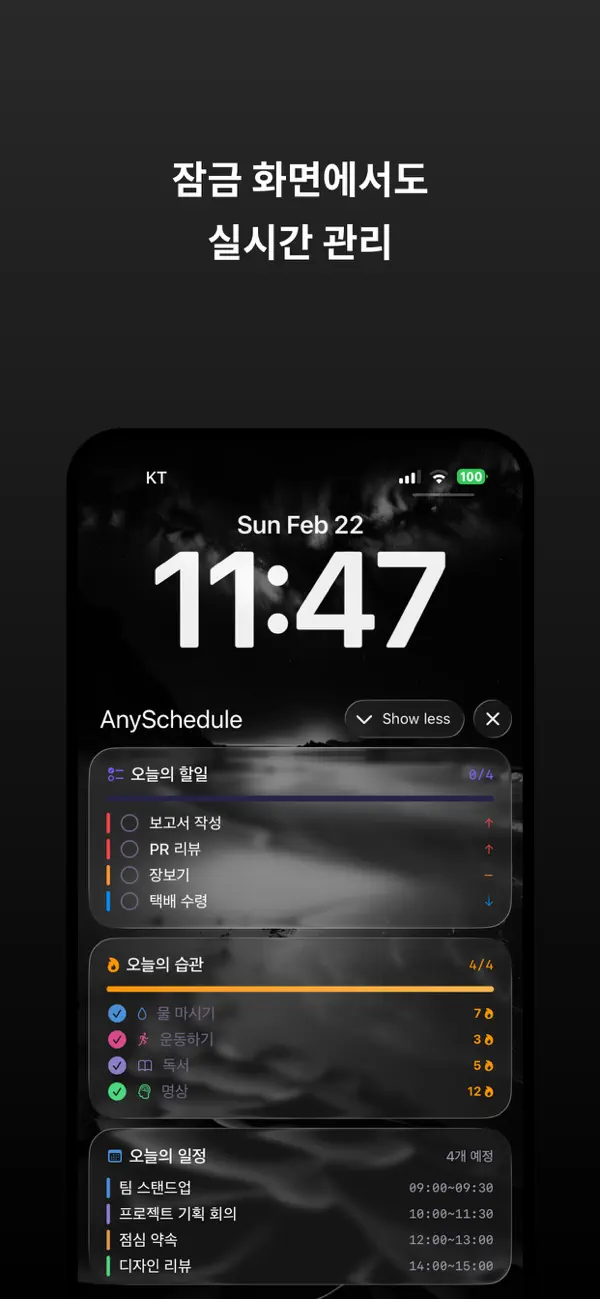
App Introduction
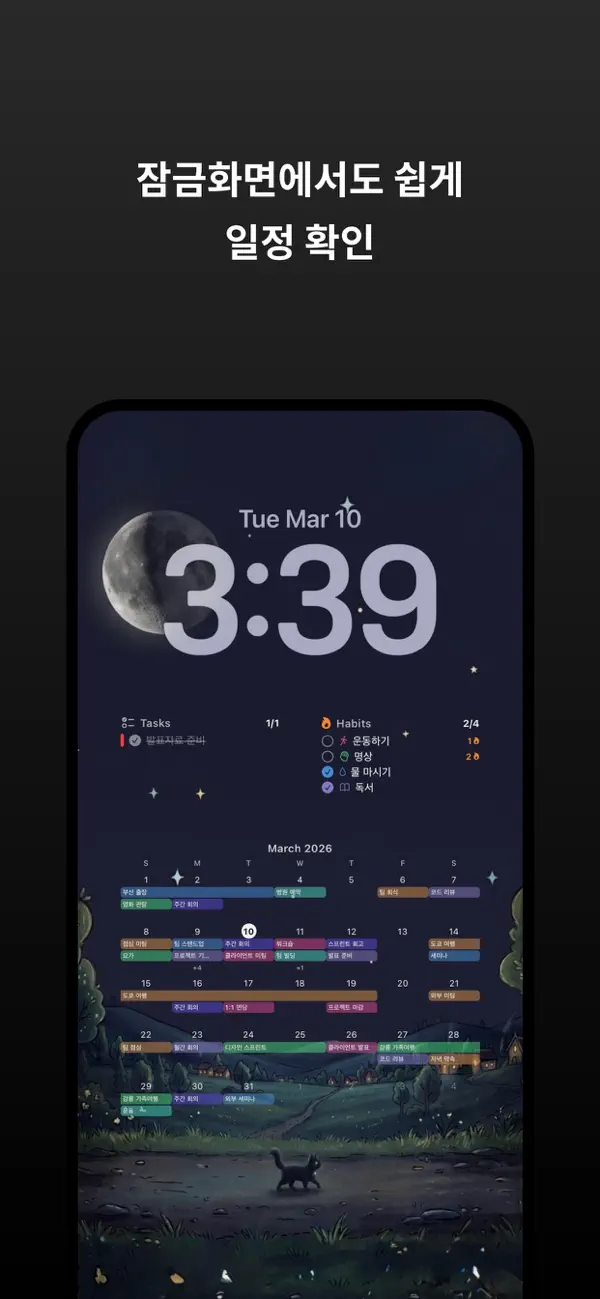
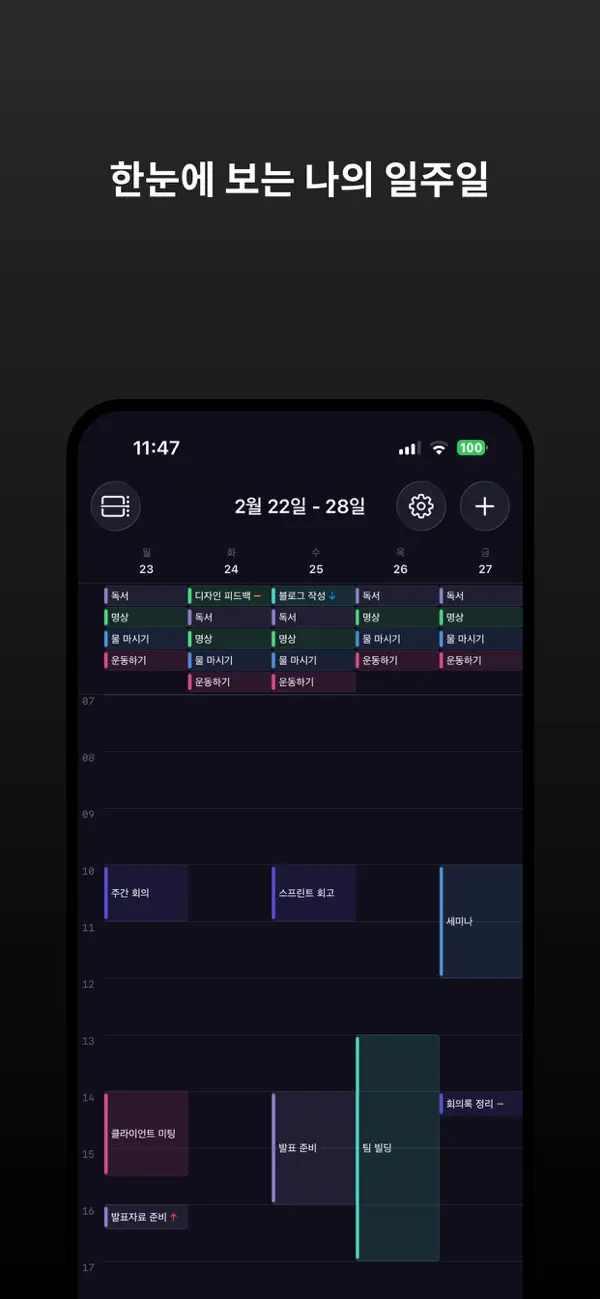
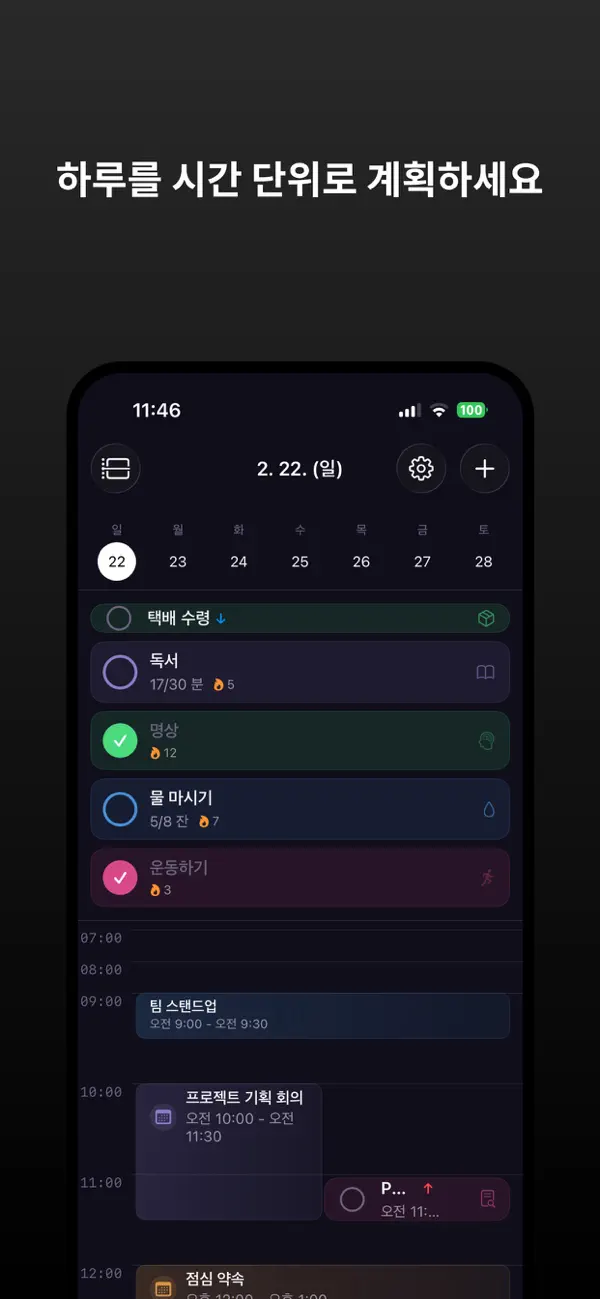
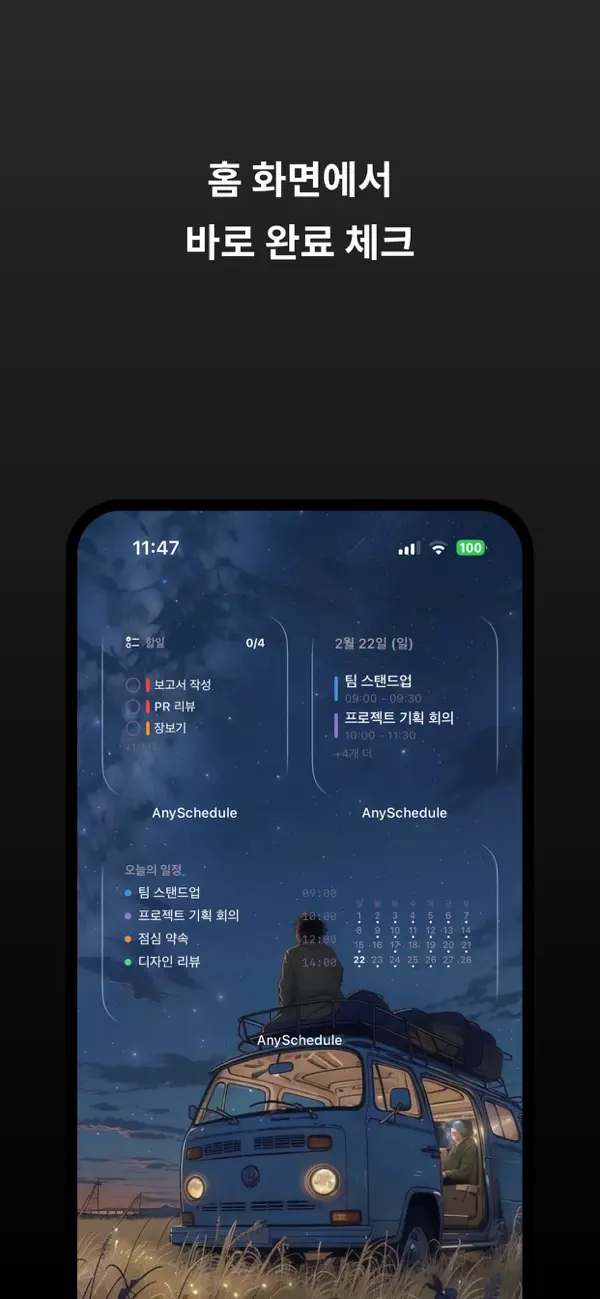
Manage your schedule, tasks, and habits all at once with AnySchedule. Plan your day with a simple timeline, organize your tasks, and build consistent habits. No need to switch between multiple apps. Lock Screen Schedule Wallpaper Turn your lock screen into your personal schedule board. Today's schedule, tasks, and habits are displayed directly on your lock screen wallpaper. Freely customize font size, color, and layout over your favorite photos. Every time you look at your iPhone, your daily plan is visible at a glance. Plan Your Day Your Way Check your schedule at a glance with daily, weekly, and monthly views. Even if schedules overlap on the timeline, they are neatly organized. Quickly navigate between dates with a swipe. Tasks, Get Them Done Reliably You can create tasks with deadlines, due times, and 4 priority levels. Quickly identify urgent tasks with color-coded priority indicators. Mark as complete with a single tap and track your progress. Build Consistent Habits Freely set daily or weekly habits. Choose between simple check-offs or goal counts (e.g., "8 glasses of water"). See your consistency at a glance with streak records and a heatmap. Widgets & Live Activities Instantly check today's schedule, tasks, and habits with Home Screen widgets. Choose from various styles, including Clear and Blur. Also view them on the Lock Screen and Dynamic Island with Live Activities. Apple Calendar & Reminders Integration Import your existing Apple Calendar and Reminders. With duplicate detection, the same event won't be displayed twice. Notifications Receive notifications precisely when you need them. Set notifications for event start time, 10 minutes, 30 minutes, 1 hour, or one day before. You'll never miss a deadline or habit check. Personalize Your Way Uniquely customize each item with 12 colors and SF Symbol icons. Add notes to record important information. Create a pleasant screen just by looking at it with glass effect cards and Dark Mode. Key Features - Unified Planner: Schedule, tasks, and habits in one app - Lock Screen Schedule Wallpaper: Display your schedule as wallpaper - Three Calendar Views: Daily, Weekly, Monthly - Habit Streaks & Heatmap - Task Priority & Color Coding - 11 Home Screen Widgets (including style variations) - Lock Screen & Dynamic Island Live Activities - Apple Calendar & Reminders Integration - Duplicate Detection - Color & Icon Customization - Flexible Notification Timing - SwiftData & iCloud Sync - iPhone Optimized Design
Reviews
Loading...
Premium AI Deep Benchmarking
Our latest AI analyzes this app's positioning, UX hooks, strengths/weaknesses, growth opportunities, and competition in detail.