
LiveNote: Take notes on the lock screen, and never forget.
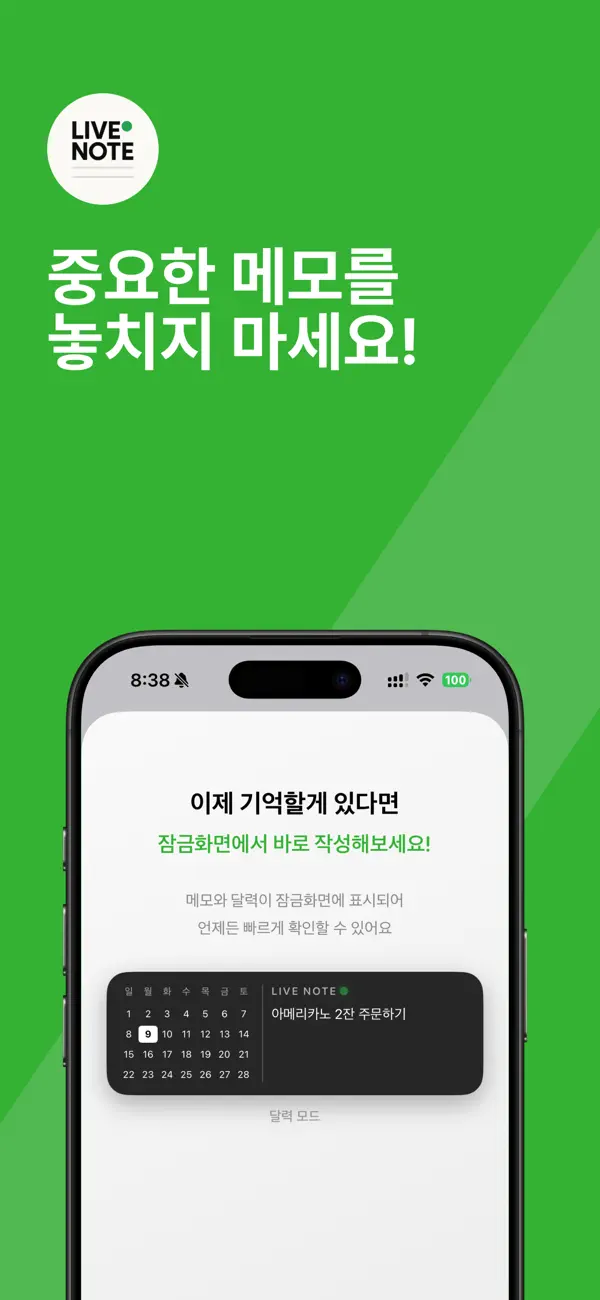
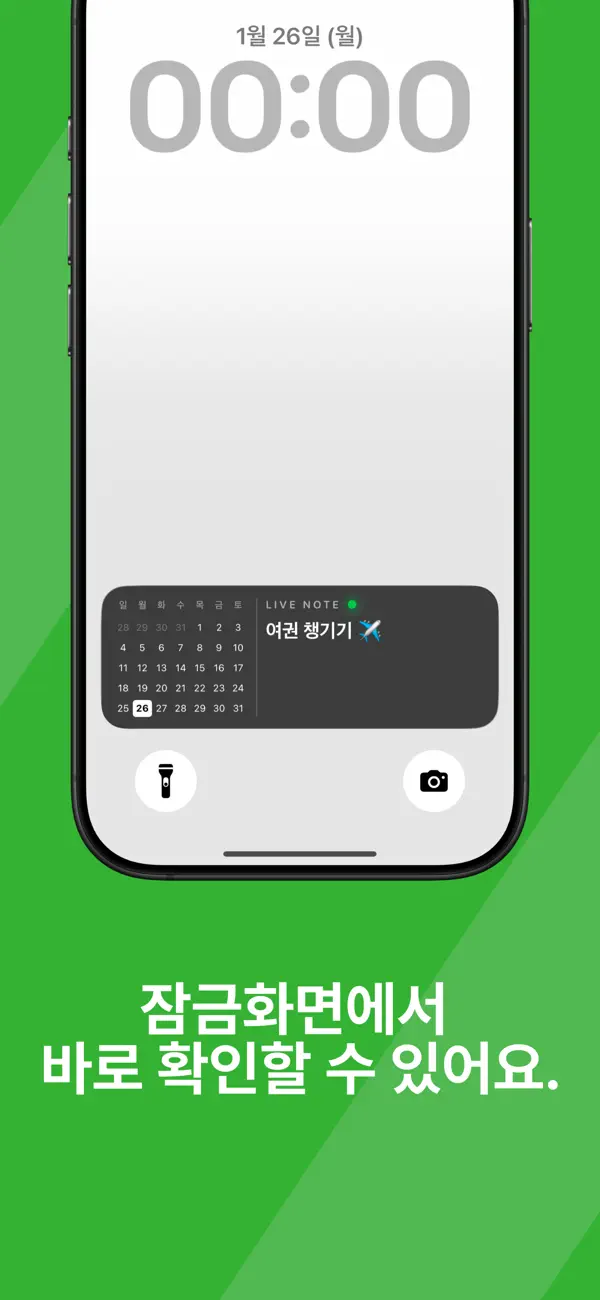
LiveNote, the note-taking app you can see directly from your lock screen. Have you ever written down a memo, only to fail to check it and miss something important? LiveNote is an app that directly displays your to-dos and important notes on your lock screen.
User reactions
No votes yet. Be the first to react!
Screenshots
App Introduction
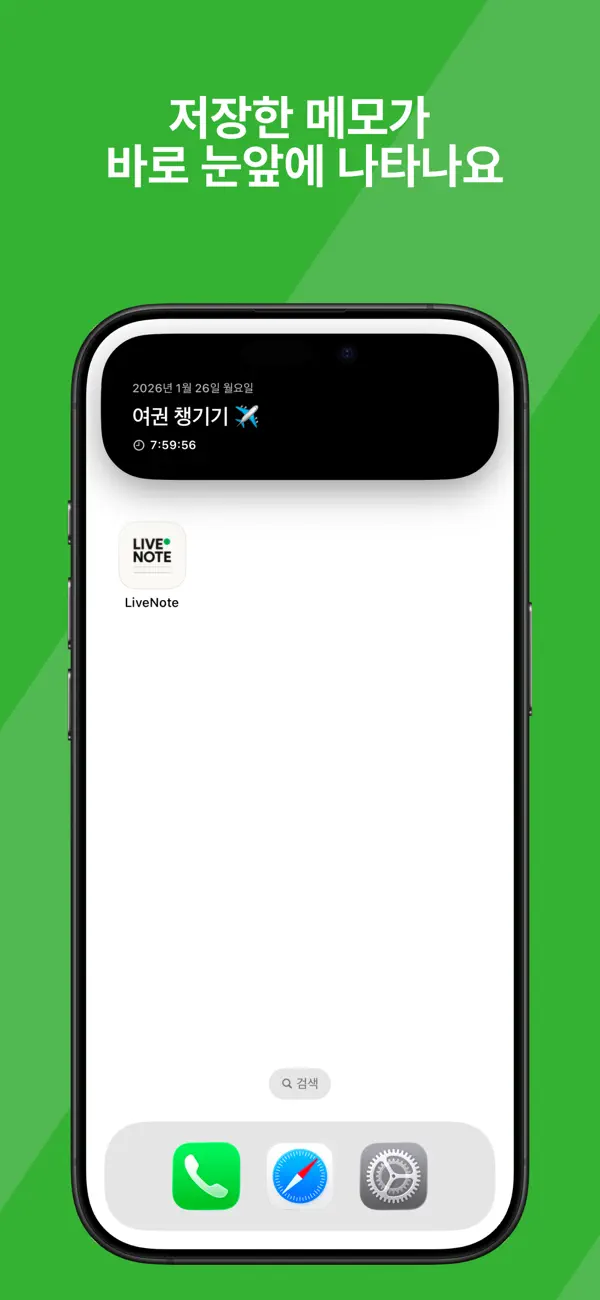
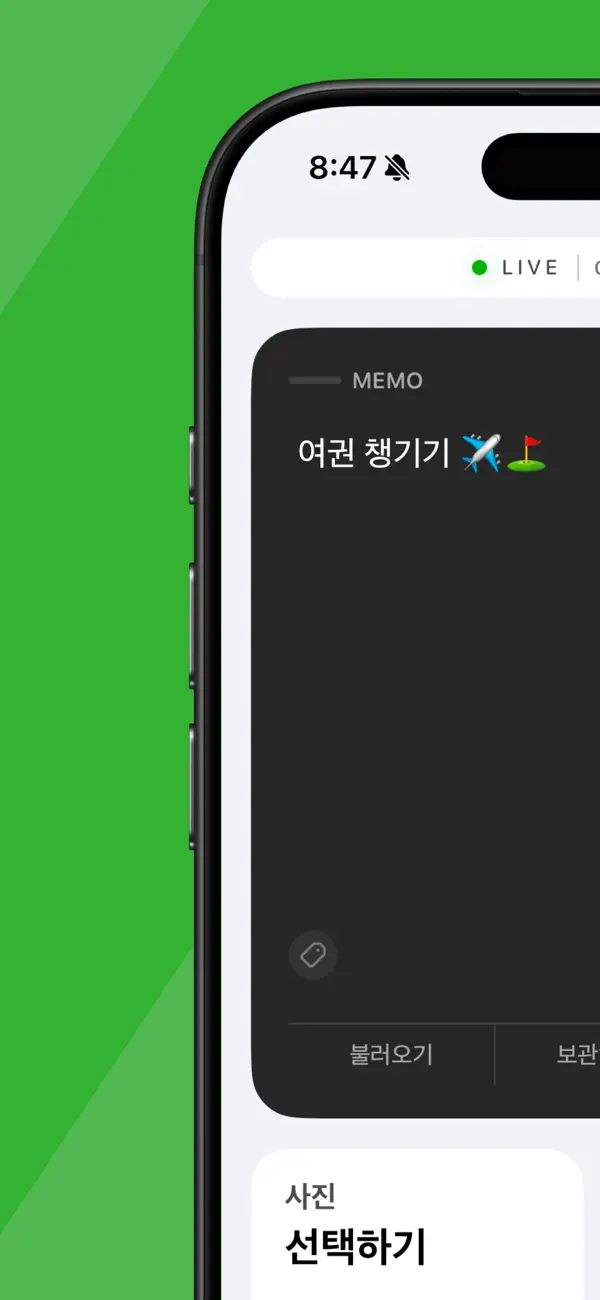
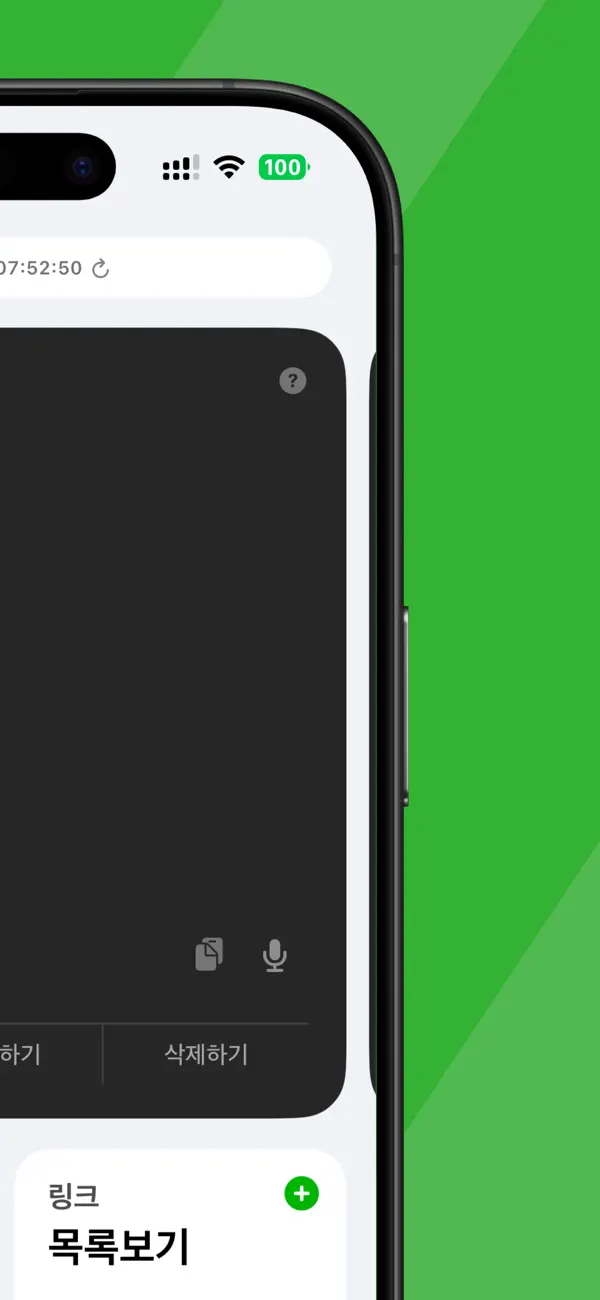
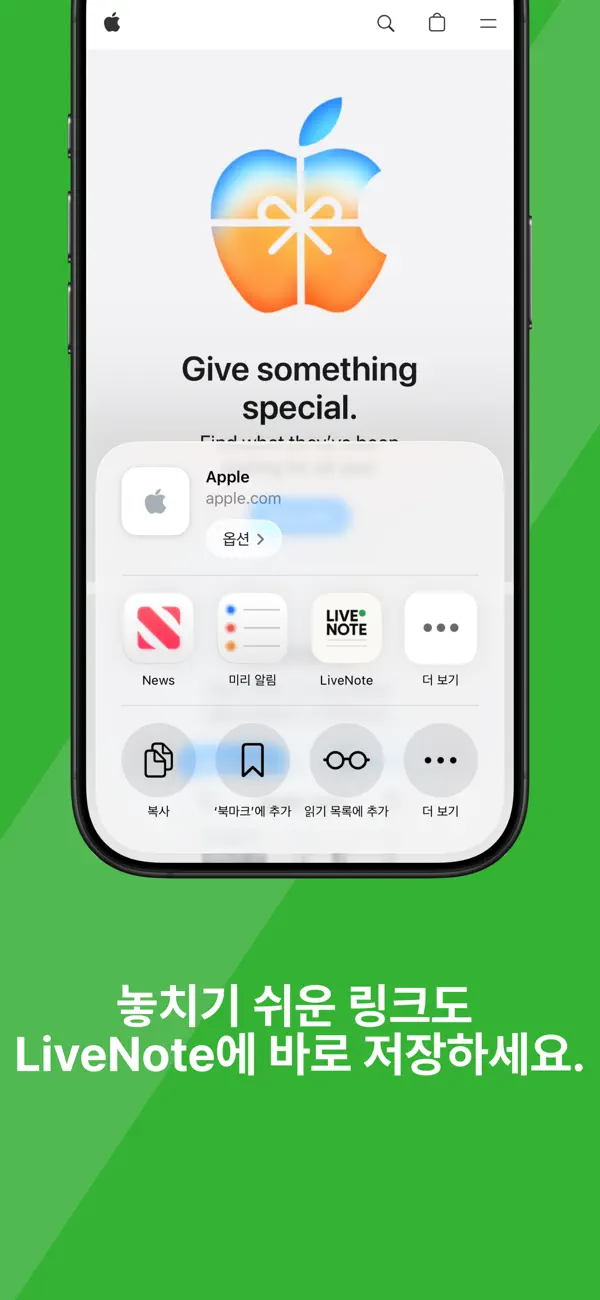
LiveNote, the memo app that's immediately visible on your lock screen. Have you ever written down a memo only to miss it because you didn't check it? LiveNote is an app that directly displays your to-dos and important memos on your lock screen. Without needing to open the app, you can naturally check them every time you turn on your screen. Based on Live Activity, it displays memos and to-dos on your lock screen and Dynamic Island. ■ Recommended for: - Those who frequently forget their memos - Those who actively utilize their lock screen - Those who want their to-dos to always be in plain sight - Those seeking a simple productivity app ■ Key Features ● Lock Screen Memos (Core Feature) - Directly displays memos on the lock screen - Automatically displays the remaining time if there's a schedule - Reflects changes on the lock screen instantly - Dynamic Island support ● To-Do Mode - Manage a list of checkable to-do items - Supports reordering and text editing - When pasting multiple lines, each line is automatically created as a To-Do item ● Link Saving Feature (Auxiliary Feature) - Instantly save from any app using the share button - Organize by category - Automatic preview of link title and thumbnail - Link categories can be reordered LiveNote does not collect personal information. - Inquiries: help@lvnt.my - Terms of Service: https://lvnt.my/terms/kr - Privacy Policy: https://lvnt.my/privacy/kr - Support: https://lvnt.my/support/kr
Reviews
Loading...
Premium AI Deep Benchmarking
Our latest AI analyzes this app's positioning, UX hooks, strengths/weaknesses, growth opportunities, and competition in detail.